
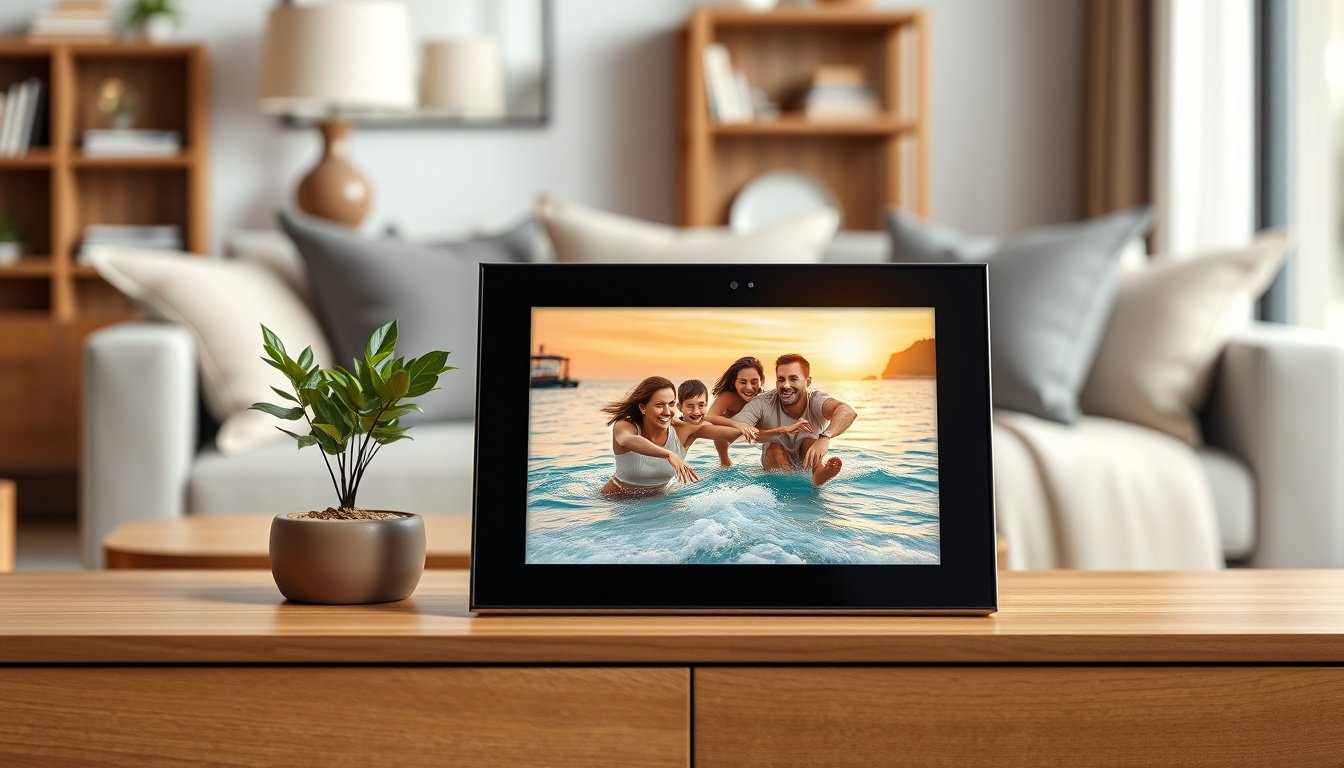
You want a digital picture frame that makes your photos look their best while being simple to share and manage. Premium frames deliver higher resolution, better color accuracy, durable design and smarter sharing tools so your memories feel alive on a daily basis.
Choosing the right model saves you time, reduces frustration for less technical family members and ensures the photos you care about are displayed with clarity and style.
Top Picks
|
Category |
Product |
Score |
|---|---|---|
|
🏆 Best For Gifting |
92/100 |
|
|
💼 Best Big Display |
90/100 |
|
|
💰 Best Value |
86/100 |
|
|
🚀 Best Resolution |
89/100 |
|
|
🎯 Best For Power Users |
88/100 |
Selection Criteria
You need a digital frame that balances image quality, sharing convenience and long-term value. We prioritized image fidelity including resolution and anti-glare screens, connectivity and sharing options such as email, app or cloud, and ease of setup for less technical family members.
We also weighed local storage and subscription requirements, build quality and screen size to match different rooms and budgets. Final scores reflect real-world usability, customer feedback and the overall feature set relative to price.
Aura Carver

This Aura Carver frame is built around making your photos look great without asking you to become a tech expert. You get a bright 10.1″ WXGA touchscreen with a refined matte feel, a clean black frame and an app-first sharing workflow that makes it simple to send new images from your phone.
In daily use it works like a living photo album on your counter, automatically adjusting when the room is dark and letting you pick how images display. For holidays and special occasions it’s particularly effective: you can preload albums for a surprise, invite family to contribute, or set a slideshow pace that matches the moment. If you want a frame that blends effortless sharing, thoughtful design and a genuine gift-ready presentation, this is a relaxed, reliable pick.
What People Say
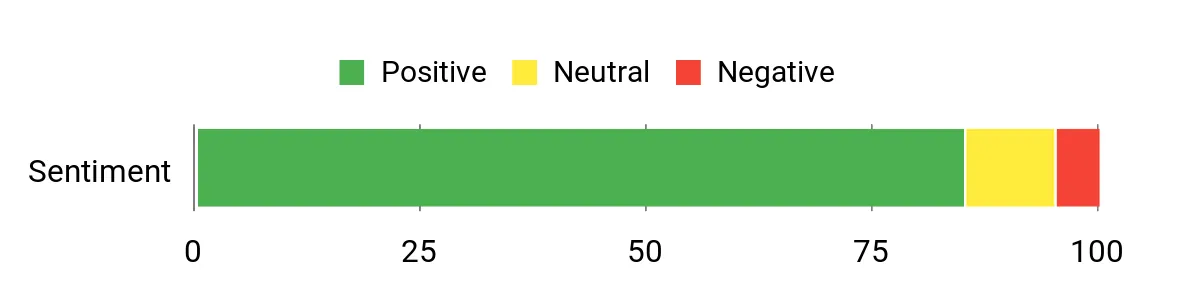
Customers frequently note how easy the frame is to set up and hand off to family members who aren’t tech savvy, which makes it a popular gift. Reviewers also praise the app-based sharing, the display quality for everyday viewing and the way the frame handles lighting and cropping so photos look intentional rather than awkward.
Overall Sentiment: Positive
Long-Term Value
You’ll save on printing and physical storage because the frame encourages digital sharing and remote updates. Aura’s cloud approach removes the need for frequent manual transfers, and the one-year warranty gives basic protection while the durable finish keeps it looking current for years.
Return On Investment
The payoff is mostly emotional and practical: you get continuous enjoyment from rotating photos without the hassle of printing, plus the easy sharing reduces the time you spend managing images. For gifting, the strong first impression and ongoing usefulness mean the initial cost tends to feel well justified.
Situational Benefits
|
Situation |
How It Helps |
|---|---|
|
Gifting to relatives |
You can pre-load photos, set a welcoming slideshow and invite others to add images, so the recipient receives both the device and an instant photo library. |
|
Helping less technical family members |
You can handle initial Wi‑Fi setup and approvals remotely, then they receive photos by email or app without needing to manage files. |
|
Everyday kitchen or living room display |
The 10.1″ screen and auto light sensing make images easy to see throughout the day while saving power and reducing screen glare. |
Emotional Benefits
You get a steady stream of familiar faces and moments that help the home feel connected to distant family and past events. The frame turns digital chaos into a gentle, curated presence that sparks conversations and memories.
Ease Of Use
|
Feature |
Ease Level |
|---|---|
|
Initial Setup |
Easy |
|
Adding Photos |
Easy |
|
Inviting Contributors |
Moderate |
|
On-Frame Controls |
Easy |
Aesthetic Appeal
The Carver’s minimalist black bezel and slim profile feel premium without calling attention to themselves. The display presents photos with natural color and options for subtle backgrounds, which helps most images look intentional on your shelf.
Innovation
Aura focuses on the sharing experience rather than gimmicks, adding thoughtful touches like smart light sensing, straightforward invitation controls and cropping tools so images fit the screen. Those refinements make everyday use feel polished.
Practicality
At 10.1 inches the frame fits many spots in your home and the Wi‑Fi and touchscreen controls cover most ways you want to interact with it. The combination of remote sharing and local display options keeps it flexible for both regular updates and offline viewing.
Key Benefits
- Simple setup and sharing via smartphone app
- Gift-ready design and presentation
- Auto light sensing and tasteful display options
Rating: 4.7 (total: 13933+)
Skylight 15
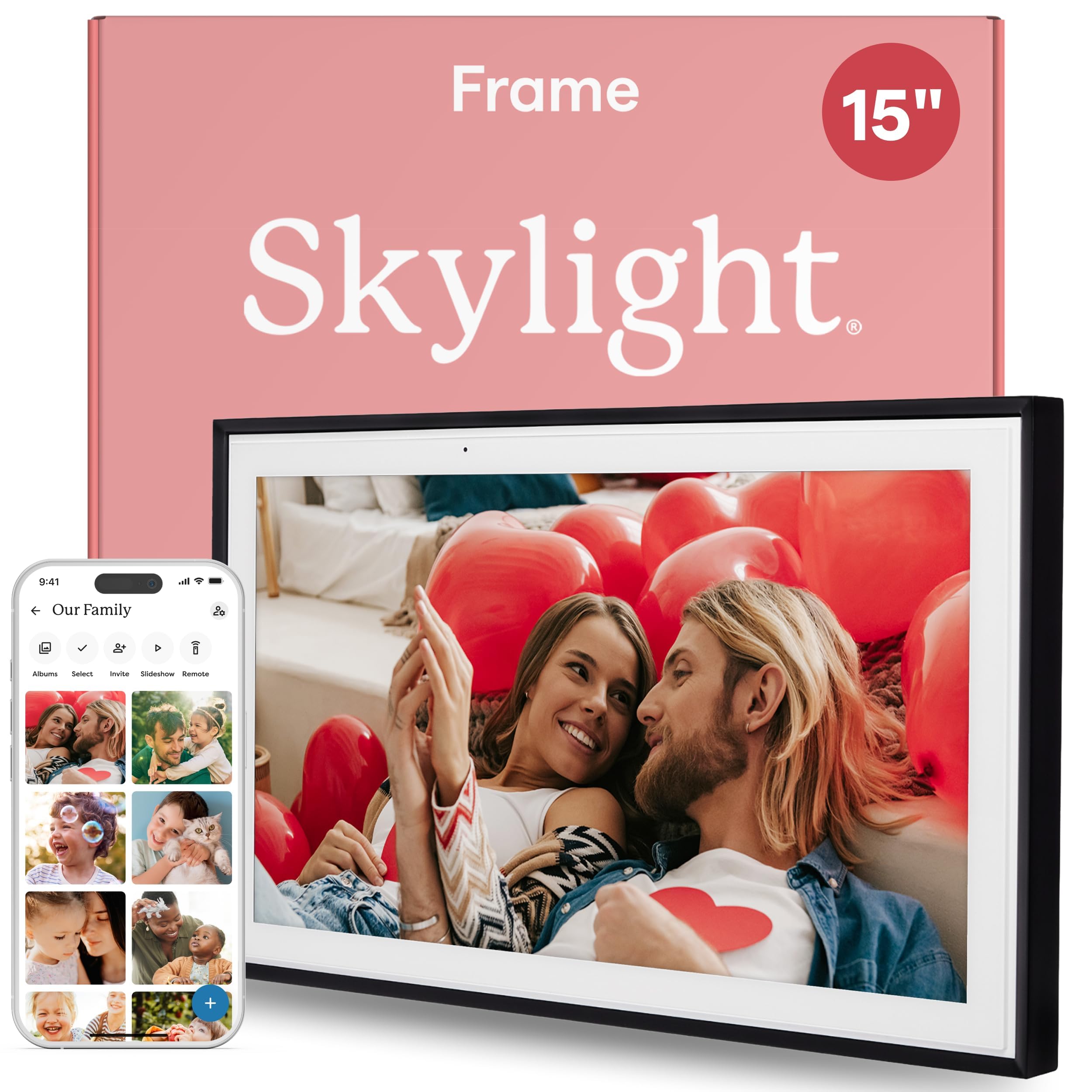
This 15-inch Skylight frame gives you a large, matte display that feels more like a picture window than a gadget. You can load photos from your phone, email images directly to the frame and adjust sleep or shuffle settings without wrestling with menus.
In everyday use it sits on a console or mantel as a rotating family gallery; for holidays or events you can pre-load themed albums or let relatives send pictures in real time. If you want a straightforward, big-screen frame that relatives actually use, this model blends size, simplicity and dependable photo sharing.
What People Say
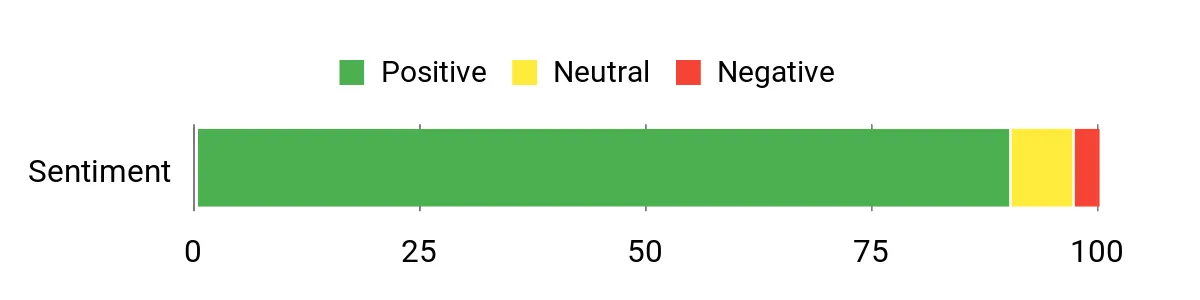
You’ll find most users praise how easy the frame is to set up and use, especially the email-to-frame feature that avoids app headaches. People also highlight the screen’s natural colors and matte finish, and many note it holds up well over years of regular use.
Overall Sentiment: Positive
Long-Term Value
By keeping photos digital you avoid recurring printing costs and the hassle of physical storage. The durable construction and reliable software mean fewer replacements, so the value shows over time through sustained use and low maintenance.
ROI
The return is practical and emotional: you get continuous enjoyment from seeing updated photos without manual effort, and the ease of sharing keeps relatives engaged, which amplifies the frame’s usefulness beyond a one-time purchase.
Situations
|
Situation |
How It Helps |
|---|---|
|
Gifting Parents |
They get a large, easy-to-read display and can receive photos by email without installing apps. |
|
Family Gatherings |
You can queue event-specific albums for guests to browse and relive moments together. |
|
Everyday Living Room |
The 15″ screen fills a mantel or console and shows photos with realistic colors and minimal glare. |
Emotional Value
The large, steady presence of the frame makes daily life feel more connected; you get frequent, gentle reminders of people and moments that matter without having to look for them.
Ease
|
Feature |
Ease Level |
|---|---|
|
Initial Setup |
Easy |
|
Adding Photos |
Easy |
|
Email Sharing |
Easy |
|
Touch Controls |
Easy |
Look
The clean black bezel and matte screen give the frame a refined, unobtrusive look that complements most home decor and keeps attention on your photos rather than the device.
Innovation
Skylight focuses on making photo sharing effortless; the email-to-frame workflow and large touch interface simplify common pain points so you spend less time managing images and more time enjoying them.
Practicality
With a 15″ display, adjustable stand, Wi‑Fi and both app and email sharing, this frame fits living rooms and common areas where you want photos to be seen by everyone without daily maintenance.
Benefits
- Large, glare-minimizing 15″ display for living areas
- Very simple setup with email and app sharing options
- Sturdy build and adjustable stand for versatile placement
Rating: 4.7 (total: 27576+)
Nixplay Classic

This Nixplay Classic is a solid, everyday digital frame that focuses on making sharing straightforward without adding complexity. The 10.1″ touchscreen handles portrait and landscape shots with auto-rotation, and the mobile app lets you queue albums from your phone.
In daily use it’s a tidy living room or desk companion that cycles through family moments; for events you can prepare curated playlists or let guests add images remotely. If you want dependable functionality, simple sharing and a frame that people will actually use, this one strikes a good balance between convenience and performance.
What People Say
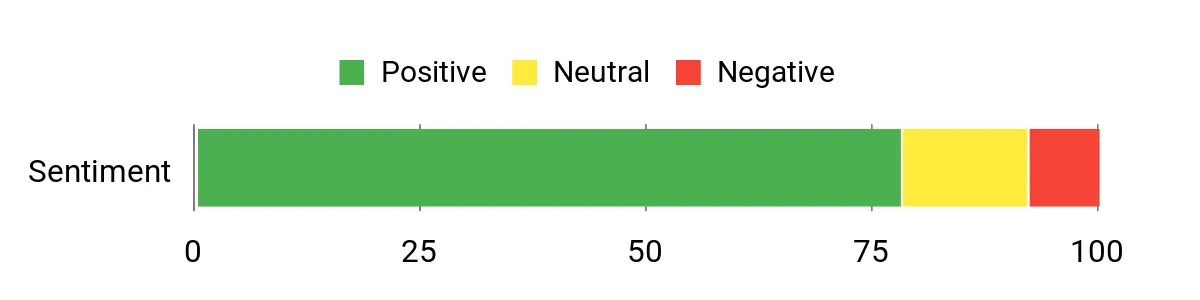
Reviewers commonly praise how easy it is to get photos onto the frame from a phone and appreciate features like auto-rotation and touch navigation. Many users mention the frame’s consistent day-to-day performance and how family members enjoy the rotating slideshows. A smaller group notes they would like a higher resolution screen, but most find the display perfectly usable for typical home viewing.
Overall Sentiment: Positive
Long-Term Value
Keeping images digital removes ongoing printing and framing costs, and the frame’s reliable software minimizes the need for troubleshooting or replacement. Over time you save both money and storage space compared with physical prints.
ROI
You get ongoing emotional returns in the form of shared memories appearing automatically, plus practical returns through reduced time managing photos. If you value regular, low-effort display of family moments, the frame pays for itself in convenience.
Situations
|
Situation |
How It Helps |
|---|---|
|
Gifting New Parents |
They receive a simple display that family can update remotely so the new parents see baby photos without having to upload files themselves. |
|
Office Desk Display |
The compact 10.1″ screen and auto-rotation let you show a personal slideshow without taking up much space or attention. |
|
Event Slideshows |
You can prepare themed albums for reunions or parties and let guests contribute images in real time for a shared gallery. |
Emotional Value
The frame keeps family moments visible throughout the day, creating small, frequent moments of connection and nostalgia that make a house feel more like home.
Ease
|
Feature |
Ease Level |
|---|---|
|
Initial Setup |
Easy |
|
Mobile App Sharing |
Easy |
|
Voice Controls |
Moderate |
|
On-Frame Navigation |
Easy |
Look
The Classic Black frame is unobtrusive and pairs well with most decor, letting photos remain the focal point while providing a clean, modern look.
Innovation
Nixplay blends familiar touchscreen controls with voice and app-driven workflows, emphasizing practical features that solve common sharing friction rather than experimental gimmicks.
Practicality
With solid compatibility across phones and simple controls, this frame works well for multi-user households and locations like kitchen counters, entryways or office desks where regular viewing is desirable.
Benefits
- Straightforward app-based sharing for iOS and Android
- Auto-rotation and touch controls for flexible display
- Voice control adds hands-free convenience
Rating: 4.5 (total: 21395+)
Pexar 2K

If you care about image detail, this Pexar frame brings noticeably sharper photos thanks to its 2K panel and IPS viewing angles. You’ll appreciate the matte, anti‑glare finish that keeps images readable in bright rooms, and the 32 GB of onboard storage means you can keep large albums locally without relying on a subscription.
Use it as a daily gallery on a side table or console, or prepare curated albums for holidays and events so guests can flip through high-quality shots. It’s a practical pick when clarity and a neutral, museum-like presentation matter more than flashy extras.
What People Say
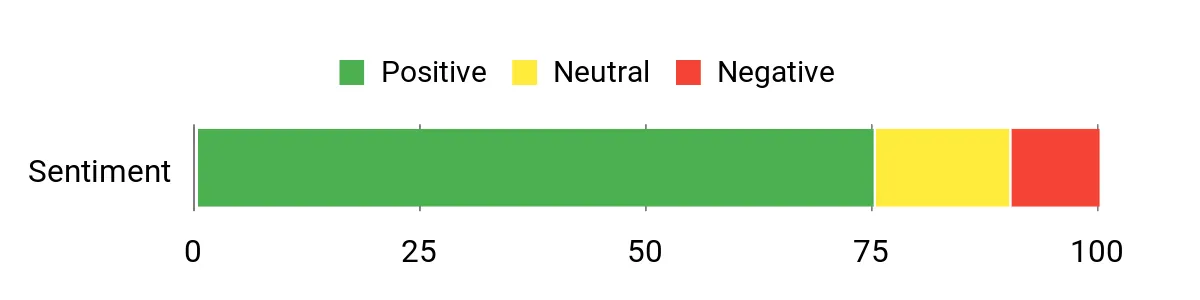
Many users praise the Pexar for its image quality and neutral color reproduction, calling out the matte screen and wide viewing angles. People also like the local storage and touchscreen responsiveness, while a smaller group mentions occasional app quirks and the absence of a PC app as minor frustrations.
Overall Sentiment: Positive
Long-Term Value
The large local storage and reliable hardware reduce the need for ongoing subscriptions or frequent replacements. Keeping photos digital also cuts printing and framing costs over time, while the anti‑glare display helps images remain usable in different rooms for years.
ROI
Your main returns are visual quality and convenience: sharper, truer photos make the device feel like a worthy upgrade, and the reduced need for external storage or printouts means the frame delivers practical value over its useful life.
Situations
|
Situation |
How It Helps |
|---|---|
|
Showcasing Photography |
The 2K resolution and neutral color balance make it well suited for displaying high-resolution photos or B&W work where detail and tone matter. |
|
Bright Rooms |
The anti‑glare matte finish keeps images readable and pleasant even with sunlight or strong ambient light. |
|
Gift For Tech-Savvy Recipients |
You can preload albums and take advantage of the large internal storage so recipients start with a full, high-quality gallery out of the box. |
Emotional Value
Seeing photos rendered with extra clarity and accurate tones makes familiar moments feel fresher and more present, which helps you and your guests engage with memories rather than squinting at washed-out images.
Ease
|
Feature |
Ease Level |
|---|---|
|
Initial Setup |
Easy |
|
Touch Navigation |
Easy |
|
App Sharing |
Moderate |
|
PC Integration |
Difficult |
Look
The simple black frame and matte screen create a restrained, gallery-style look that keeps attention on your photos and blends into modern interiors.
Innovation
Pexar leans into practical innovation with a true 2K IPS panel, anti‑glare treatment and substantial internal storage, focusing on display quality rather than feature bloat.
Practicality
At 11 inches it fits most shelves and consoles, and the combination of Wi‑Fi sharing, touchscreen control and local storage makes it versatile for everyday use and occasional offline viewing.
Benefits
- Crisp 2K resolution and IPS panel for superior detail
- Anti‑glare matte screen keeps images clear in varied lighting
- Generous 32 GB internal storage reduces reliance on cloud services
- Responsive touchscreen with app-based photo sharing
Rating: 4.4 (total: 361+)
Pix-Star LUX
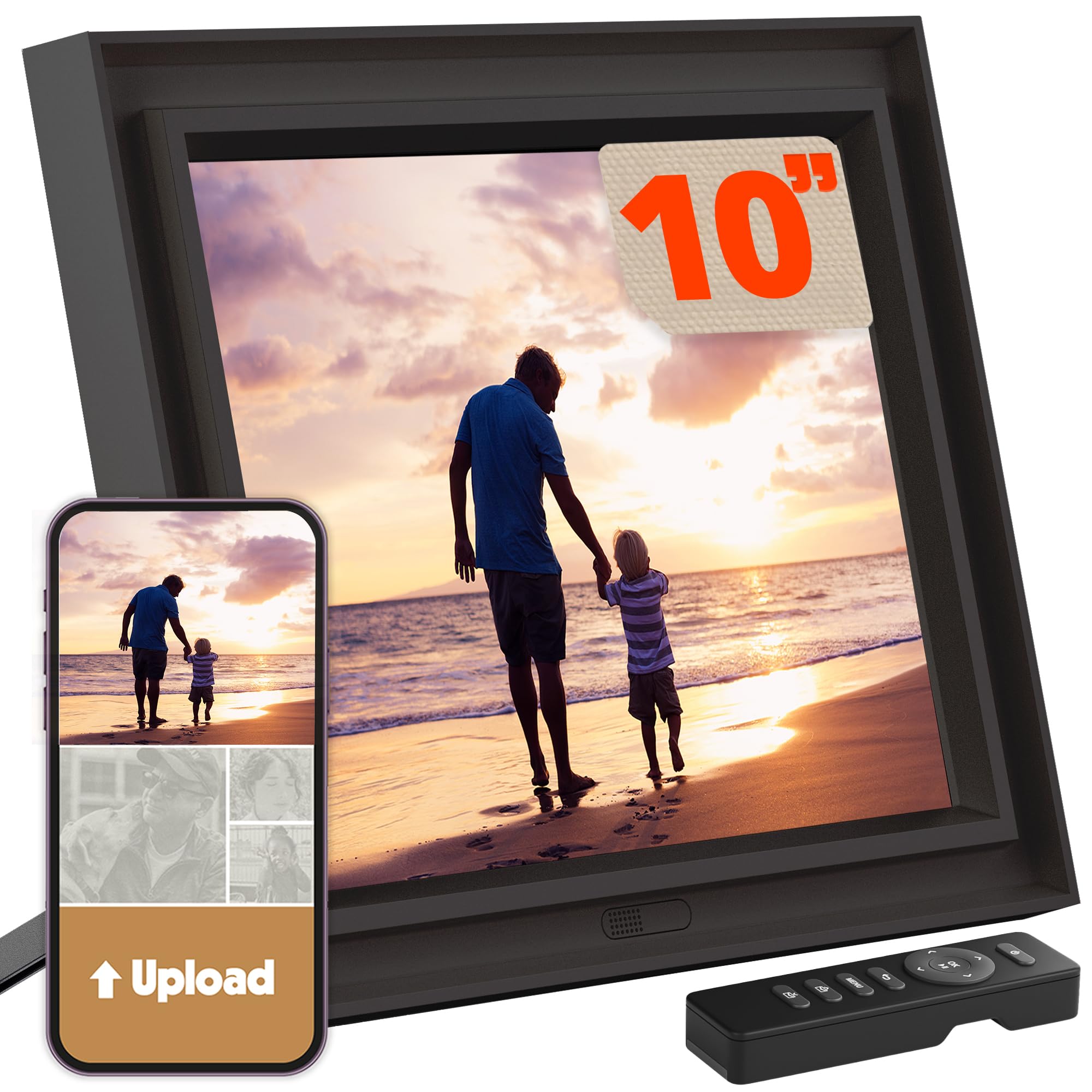
You’ll appreciate Pix-Star LUX if you want a frame that prioritizes steady, everyday usefulness over flashy extras. The 10.4″ no-glare screen shows photos clearly in living areas, and the combination of unlimited cloud storage, email-to-frame and USB/SD support covers every way people send pictures. Set it up once, let relatives email photos or use the app to push albums, and enjoy a reliable slideshow that still works when the internet drops thanks to local storage.
It’s great for regular family use, elder relatives who prefer email, or anyone who wants a low-maintenance display that just keeps showing memories.
What People Say
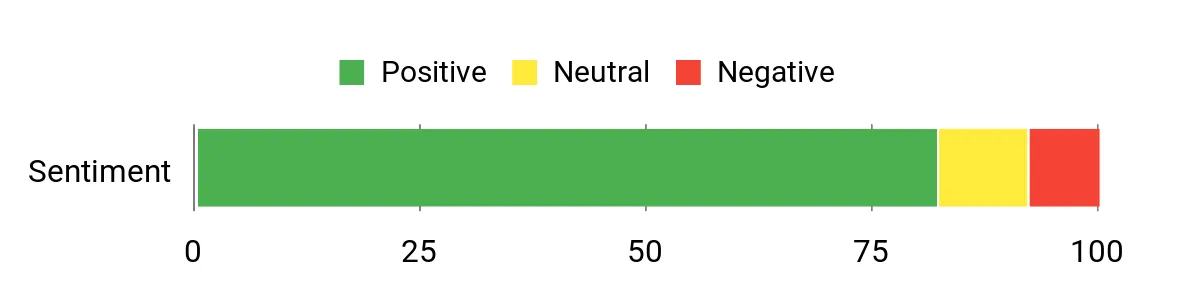
Users often highlight how dependable the Pix-Star is for ongoing family sharing, praising the email-to-frame workflow and the convenience of cloud storage. Many reviewers note the clear, natural-looking display and how easy it is for less technical relatives to get photos without apps. A handful mention that the smaller 10″ model isn’t as impactful as the larger version, but most are satisfied with reliability and features.
Overall Sentiment: Positive
Long-Term Value
Unlimited cloud storage and robust local options reduce the need for physical prints and separate backup services. The two-year manufacturer support and durable design also cut the likelihood of early replacement, making it low-maintenance over time.
ROI
The value comes from continuous use and reduced photo-management time; you gain frequent emotional returns as photos flow in from family while saving on printing and storage hassles over years of use.
Situations
|
Situation |
How It Helps |
|---|---|
|
Gifting to Parents |
They can receive photos by email or have you manage albums remotely, making it easy for non-tech family members to enjoy updates. |
|
Remote Families |
Unlimited cloud storage and easy sharing keep distant relatives connected with fresh photos without manual transfers. |
|
Display in Bright Rooms |
The no-glare screen preserves color and contrast so images stay readable even with ambient light. |
Emotional Value
The steady rotation of familiar faces makes home feel more connected; seeing current photos arrive without effort creates small, frequent moments of joy and belonging.
Ease
|
Feature |
Ease Level |
|---|---|
|
Initial Setup |
Easy |
|
Adding Photos |
Easy |
|
Remote Configuration |
Moderate |
|
Using USB/SD |
Easy |
Look
The understated black bezel and matte screen focus attention on photos and fit easily into most room styles, giving a gallery-like presence without being obtrusive.
Innovation
Pix-Star emphasizes practical innovation with unlimited cloud support, email-based sharing and motion-sensor features that solve everyday sharing and display annoyances rather than chasing novelty.
Practicality
Its mix of cloud, email, app and physical media support makes this frame versatile for households with different tech habits, and the two-year warranty adds a layer of practical assurance.
Benefits
- Unlimited cloud storage and multiple sharing routes
- No-glare display that reads well in bright rooms
- Motion sensor and flexible display options
- Works offline via local storage and USB/SD
Rating: 4.6 (total: 8725+)
FAQ
How Do I Share Photos With A Frame?
Most premium frames let you add images several ways: via a mobile app, email-to-frame, or USB/SD for one-off uploads. You should invite family members through the app or enable approvals so unwanted content is filtered; if you prefer hands-off sharing, email-to-frame is often the simplest option for less technical relatives.
For best results, upload reasonably high-resolution photos and be mindful of the frame’s aspect ratio so images aren’t cropped awkwardly.
Do I Need Cloud Or Local Storage?
Cloud storage gives you remote convenience—photos update automatically and relatives can push images from anywhere—while local storage lets you keep a full gallery on the device and continue showing images if the internet drops. Choose cloud-first frames if you want constant, low-effort updates; opt for a model with substantial onboard storage or USB/SD support if you want more control and offline reliability.
Which Features Matter Most When Buying For Family?
Match the frame to the person and the room: pick a larger 15″ model for living rooms and a 10–11″ for desks or kitchens, prefer a matte, anti‑glare screen for bright spots and an email-sharing workflow for relatives who avoid apps. Look for easy setup, simple on-frame controls or motion sensors, and a reliable approval system so you can manage contributors remotely if needed.
Customer Preferences
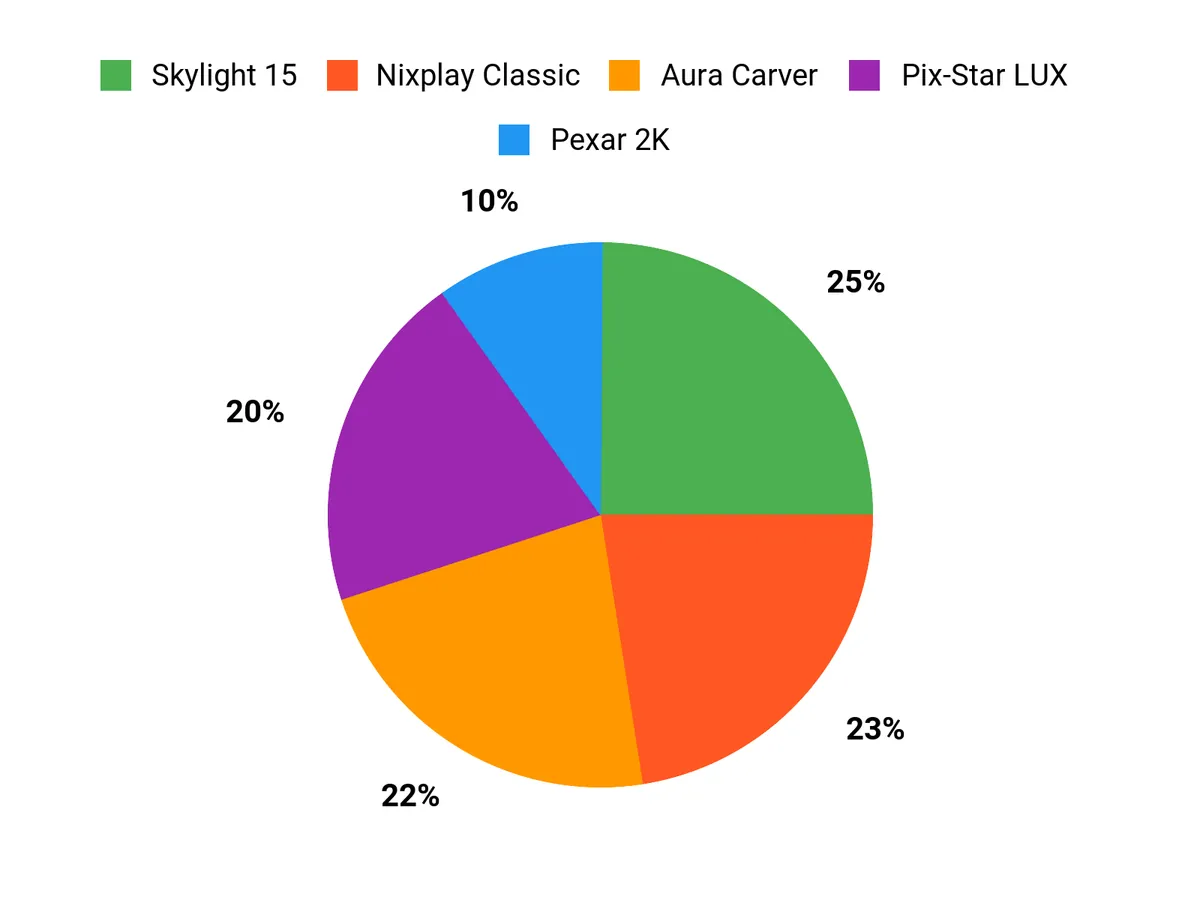
When choosing between the Aura Carver, Skylight 15 and Nixplay Classic you typically prioritize presentation and sharing workflow, screen size and simplicity, or compact versatility and dependable features. You’d pick the Aura for a polished, gift-ready experience and seamless app invites; Skylight for a large, no-fuss display with easy email updates; and Nixplay when you want a compact, reliable frame with handy extras like auto-rotation and voice control.
Wrapping Up
If you want a frame that feels like a polished gift and is effortlessly shareable, pick the Aura Carver for a premium unboxing and strong app experience. If screen size and simple sharing by email matter most, Skylight’s 15-inch model gives you a large, easy-to-use canvas. For tight budgets without major compromises, Nixplay delivers solid performance and features at a lower price.
If ultimate image clarity and a matte, anti-glare finish are your priorities, the Pexar 2K stands out. For users who want the most flexible storage and advanced sharing options, Pix-Star LUX offers robust cloud and local controls. Consider which trade-offs matter to you most and match the frame to the room and the people who will use it most.
| Product Name | Image | Rating | Screen Size | Resolution | Connectivity | Storage Capacity |
|---|---|---|---|---|---|---|
| Aura Digital HD Picture Frame, 10″ – Carver Black |
|
4.7/5 (13,933 reviews) | 10.1 inches | WXGA | Wi-Fi | N/A (Cloud-based) |
| Skylight Digital Picture Frame, 15″ Black |
|
4.7/5 (27,576 reviews) | 15 inches | WXGA | Wi-Fi | 2 GB |
| Nixplay Digital Picture Frame | 10.1″ Classic Black |
|
4.5/5 (21,395 reviews) | 10.1 inches | 720p | Wi-Fi | N/A (Cloud-based) |
| Pexar Black 11” 2K WiFi Digital Picture Frame |
|
4.4/5 (361 reviews) | 11 inches | 2K | Wi-Fi | 32 GB |
| Pix-Star LUX 10.4” Wi-Fi Digital Picture Frame |
|
4.6/5 (8,725 reviews) | 10.4 inches | 1280×960 | Bluetooth, SD card, USB | 16 GB |
This Roundup is reader-supported. When you click through links we may earn a referral commission on qualifying purchases.